
Four answers per question, 10 points for a correct one
- The whole room
- 4 answers per question
- 10 points per correct answer
The video
The video is narrated and captioned in Hebrew; the transcript below is in English.
Trivia
Trivia for the whole room: the server draws questions from a pool of 60 questions, each question has four answers, and the highest score wins.
How to start
- In a game room: tap "New table" and choose Trivia. In a regular room, whoever manages the game starts it.
- Whoever opens the game picks the number of questions and the time per question (details below).
- Anyone in the room joins by answering.
How to play
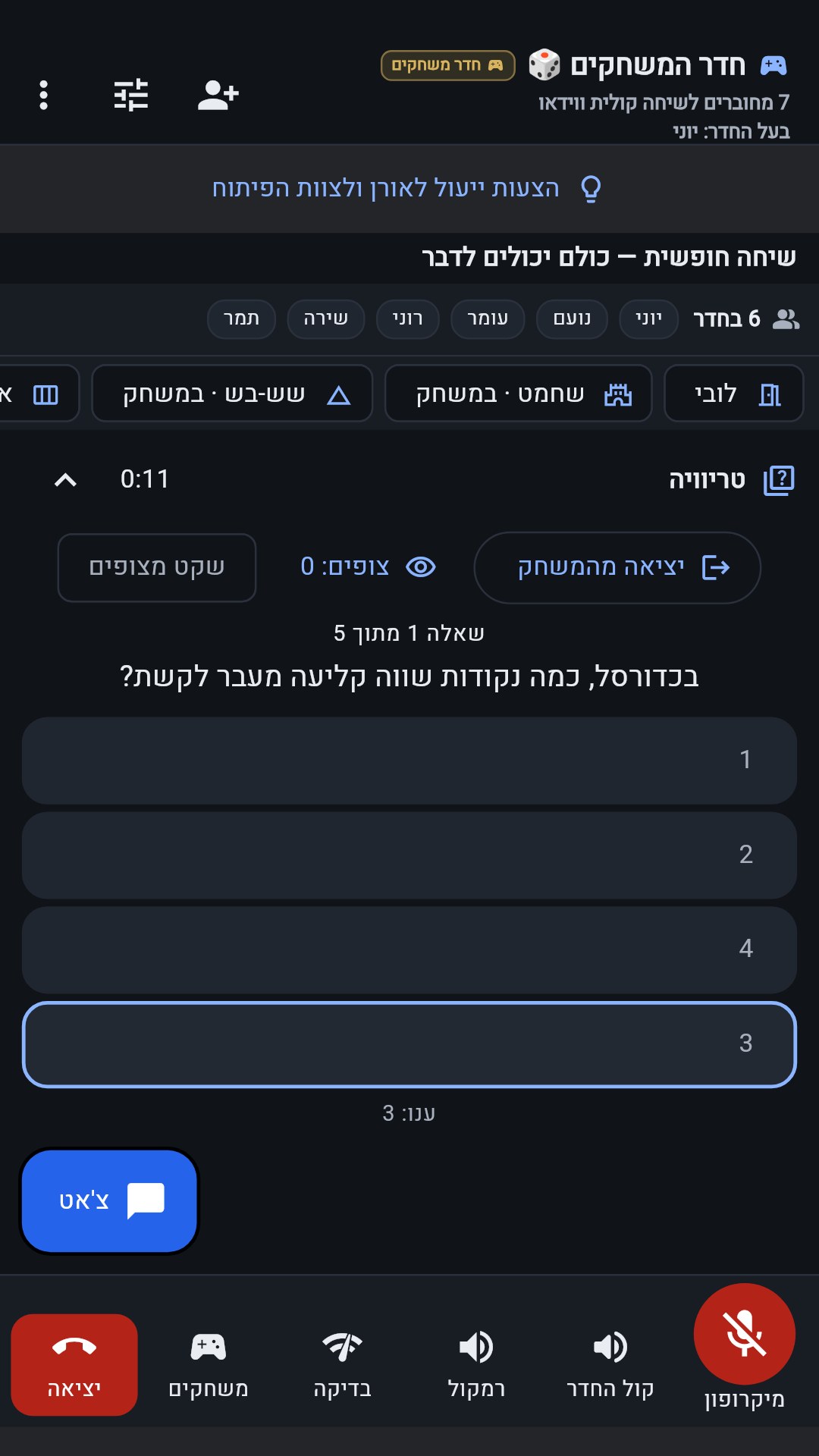
- Each question has four answers to choose from. Pick one; you cannot change it.
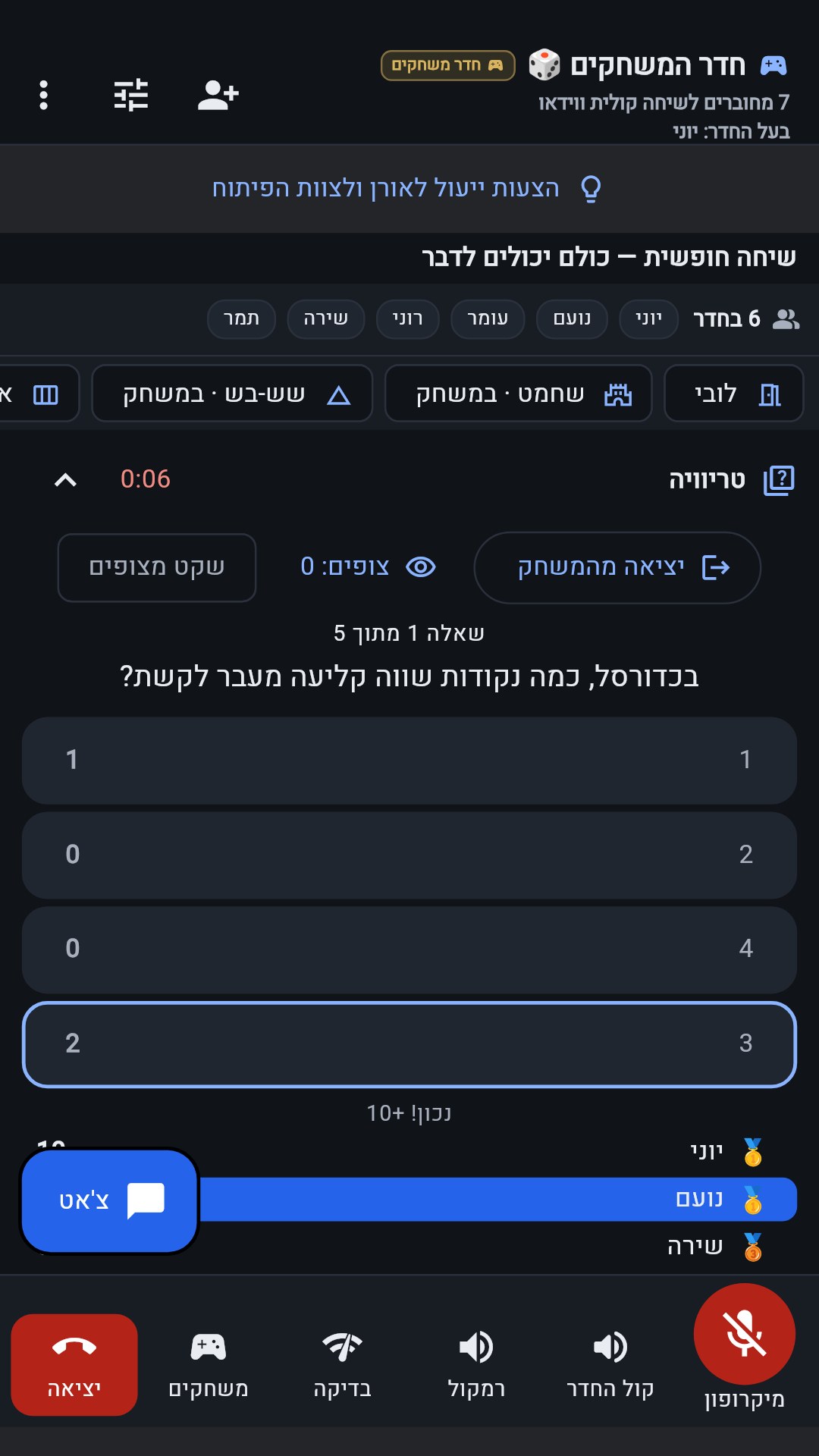
- When the time is up, the correct answer and everyone's choices are revealed. From the second question on, once all the participants have answered, the reveal comes right away, without waiting for the clock.
- A correct answer is worth 10 points.
How the game ends
| The questions run out | The highest score wins |
|---|
What you choose at the start
| Number of questions | 5, 10 or 15. Default: 10. |
|---|---|
| Time per question | 15, 20 or 30 seconds. Default: 20. |
The questions cover these topics: General knowledge, Israel, Science, Sports and Music.
In the room
- Anyone in the room can join, up to 30 participants.
- In a game room: when the game ends you can tap "Another round" — the same game with the same players.
This is how it looks in the app
Video transcript
Video transcript
- How to play Trivia in OrenChat.
- Open a new table and choose Trivia: the number of questions and the time per question.
- Everyone in the room answers — there are four answer choices.
- Pick one answer, and you cannot change it.
- When the time is up, the correct answer is revealed, and 10 points go to whoever got it right.
- At the end of the quiz, the highest score wins.
- OrenChat — free for Android. Download it now from the website.
The server is the referee: it checks every move, draws the random results and decides — you cannot cheat from the phone.
Games guide OrenChat — home page Download OrenChat for Android